



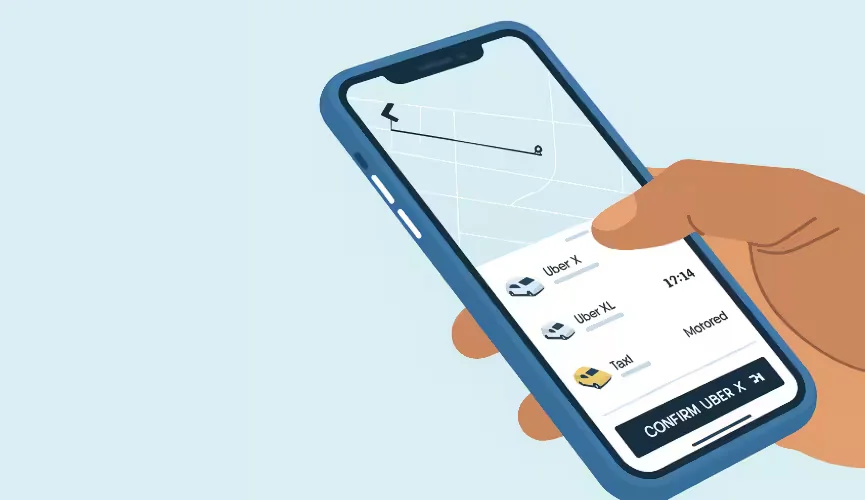
Tingsapp: Uber-Style Moving Help in BC, Explained
Tingsapp is a moving and delivery app for British Columbia, focused on the Lower Mainland. You enter your addresses and items, see a fixed price before you book, and an approved local mover is assigned to your job. You can track the crew live, message or call them, and pay after the move is done. Small moves start at $79, full home moves at $249 and store delivery at $59, with bookings from the next day up to 30 days ahead.
How It Works
- Enter the move: pickup, drop-off and any extra stops, the items, and access details such as stairs and elevators.
- See the price: a fixed upfront price based on what you entered, not an hourly estimate.
- Choose a date: from tomorrow up to 30 days ahead.
- Get matched: local movers are notified, and an approved mover accepts the job.
- Track and pay: follow the crew in the app, then pay after the move. Tips are optional and go to the movers.
Tingsapp at a Glance
| Details | |
|---|---|
| Services | Full home moving, small moves and single items, store and marketplace delivery, business delivery |
| Starting prices | Store delivery from $59, small moves from $79, full home moves from $249 |
| Coverage | Anywhere in British Columbia, with a Lower Mainland focus; no moves outside BC |
| Booking window | From the next day up to 30 days ahead; same-day moves aren’t available |
| Payment | Visa, Mastercard or American Express; a temporary authorization at booking, charged after the move |
| Movers | Independent local movers, reviewed and approved before taking jobs, and rated after every move |
Moving a workspace? Use our small office furniture moving plan to organize inventory and responsibilities before booking.
What’s Not Included
- Packing and unpacking, furniture assembly, and storage
- Pianos, organs, safes and pool tables
- Hazardous materials, firearms, alcohol and live animals
- Long-distance or interprovincial moves
Why “Uber-Style”
Like a ride-hailing app, Tingsapp shows the price before you commit, matches you with an available local provider, lets you follow the job in real time, and asks you to rate it afterwards. Unlike a ride, a move depends on what you’re moving and the access at each end, so the details you enter set the price.
Where Tingsapp Operates
Tingsapp features 17 Lower Mainland cities, from Vancouver, Burnaby and Surrey to the Tri-Cities, the North Shore and the Fraser Valley, and accepts bookings anywhere in BC, subject to route and mover availability. See the cities we serve.
For Realtors and Property Managers
A fixed price clients can see before they commit, and booking that fits around possession dates, make it easy to recommend. See moving services for realtors and property managers.
Sources
- Tingsapp — services and starting prices (tingsapp.com/services), 2026
- Tingsapp Help Centre — booking window, payment, tipping and items that can’t be moved (tingsapp.com/help), 2026
- Tingsapp Terms of Service (tingsapp.com/terms), 2026
- Tingsapp — featured cities and BC coverage (tingsapp.com/cities), 2026
Related guides
- How to Book a Move With Tingsapp: Step-by-Step
- An App-Booked Move, From Booking to Unpacking
- Tingsapp Reviews: What Real Users Say
- Booking a Local Move: Company vs Van Line vs Platform
Frequently Asked Questions
What is Tingsapp?
A moving and delivery app for British Columbia. You see a fixed price before you book, and an approved local mover is assigned to your job.
How much does Tingsapp cost?
Store delivery starts at $59, small moves at $79 and full home moves at $249. Your fixed price depends on items, distance, timing and access.
Can I book a same-day move?
No. You can book from the next day up to 30 days ahead, and next-day slots are often available.
Can I choose my mover?
Movers are assigned based on availability, location and job needs. All are reviewed and approved before they can take jobs, and rated after every move.
Does Tingsapp move people outside BC?
No. All pickup, drop-off and stop addresses must be in British Columbia.
Can I tip my movers through the app?
Yes. Tips are optional and go directly to the movers; you can add one in the app or give it directly.
